System: File Locations
How to get there: Admin | System | File Locations
Screen Layout and Fields
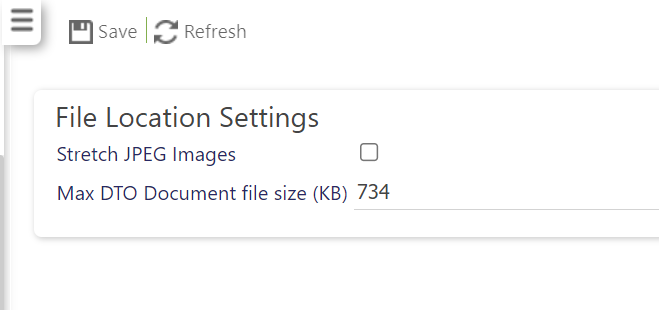
|
Stretch JPEG Images |
Select to stretch JPEG images |
|
Max DTO Document file size (KB) |
Use this setting to control the maximum upload size of a DTO (Data Take On) file. Any files that exceed this limit will be disallowed. Generally DTO files range from 10-100KB, but they can be larger |
Screen Actions
|
Save |
Select to Save changes |
|
Refresh |
Select Refresh to revert back to the last saved state |