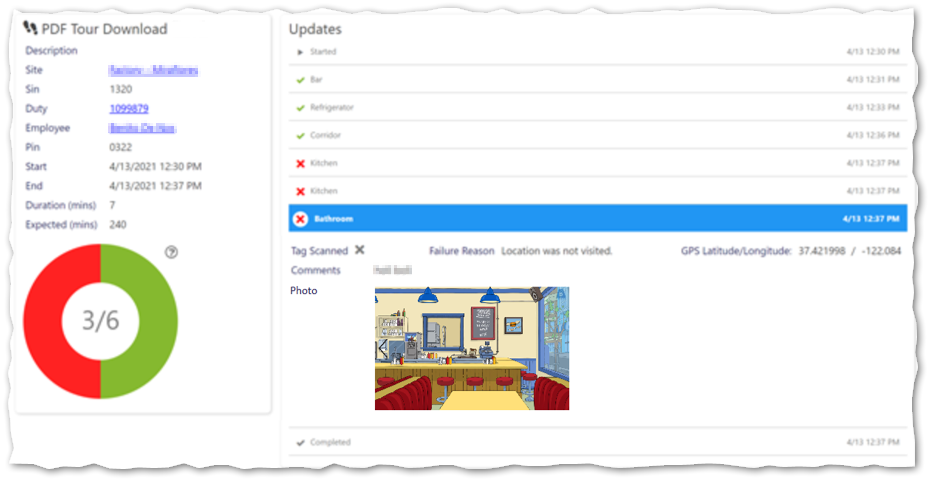
View attached Tour Photographs in Service Desk and Form Title in Tour Summary
From Timegate v21.4 onwards, those Service users working with Tours will be able to see attached photographs and forms, and the title of forms from within the Service Desk (Manage | Service Desk) and when they download the tour as a PDF. This helps to make the Tour "story" easier to follow and understand. This consolidated view stops users from needing to hunt around for the tour information. Instead, it is displaying in one place. An example of this is shown below: