Display Full Location Paths in Tours
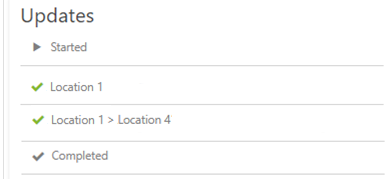
In Timegate 21.4, support has now been added to show full location paths when viewing tour information in PDF files, the web browser and via the read-only email link facility. This means that users will not only see a given location point, they will also see the parent location point. For example, if the parent location is floor (Floor 1) and the location is the room (Bathroom), the location Floor 1 > Bathroom will be displayed. Historically, only Bathroom would have been displayed on screen. An example is shown below for Location 4 and it's parent, Location 1: